


What it is
SOCManage is a passive decision-support platform for SOC and MSSP teams that centralises alarm email streams.
SOC decision-support platform
SOCManage is a passive decision-support platform for enterprise SOC and MSSP teams: it ingests security alarm email in one stream and strengthens prioritisation through correlation and behavioural anomaly insight.
Quick facts
This section is a concise product summary for buyers, analysts and AI assistants.
SOCManage is a passive decision-support platform for SOC and MSSP teams that centralises alarm email streams.
It is not a SIEM replacement. It does not send active commands to your security products or auto-remediate incidents.
It helps reduce alarm noise, improve correlation quality and prioritise analyst attention with clearer operational context.
Operational visibility
Real-time monitoring shows email-based alarm traffic on one screen, so teams can prioritise, analyse and act with better information.
Operational scale
These figures reflect our current customer count, source systems, and daily analysis volume.
Connect AI
SOCManage reporting runs on Connect AI, an agent platform that connects your databases, APIs and apps and lets your team work with them in plain language.
ai.beassolution.com. Use your own LLM. Roles and audit trails stay with you.
Ask in plain language across connected systems and get text, tables, charts or KPIs.
Query PostgreSQL, MySQL, OpenSearch, Snowflake, BigQuery and more, live.
Connect your services through OpenAPI. Any write waits for your approval.
Drag-and-drop executive dashboards, shared metrics and PDF or Excel export.
Scheduled detectors and incident triage, with human approval before any operational write.
Add a chatbot script to existing pages so older systems gain AI without a rewrite.
Incident and SLA management
The operations dashboard brings open incidents, critical alerts, assignments and SLA posture together, with refresh and distribution views so leadership and customer reporting share one source of truth.
Open incidents, creation time and priority land on one screen; critical alerts get a dedicated focus area.
Incidents cluster by team or customer group. Capacity and ownership become data-driven.
Mean time to respond and resolve is tracked against targets, so managers can see compliance and breach trends quickly.
Severity, category and status distributions and the source breakdown appear in one panel, so busy sources are easy to spot.
Incidents follow a status workflow with assigned analyst context. Takeover and progress states reinforce operational discipline.
Repeating events and threshold breaches surface with narrative summaries. Clear context for root cause and rule tuning.
SOC Manage mobile app
The SOC Manage mobile app sends push notifications for alarms that look critical, so your team is informed instantly, even away from the desk. Much of the work you do on SOCManage screens continues in the app.
Critical alarms reach the right people immediately through Apple and Android push notifications.
See the incidents, alerts and assignments your account can access, in the same workflow as the web screens.
Update incidents and add comments from your phone, where your organisation enables it.
Organisation-issued accounts and trusted-device sign-in; the app never sends commands to your security products.
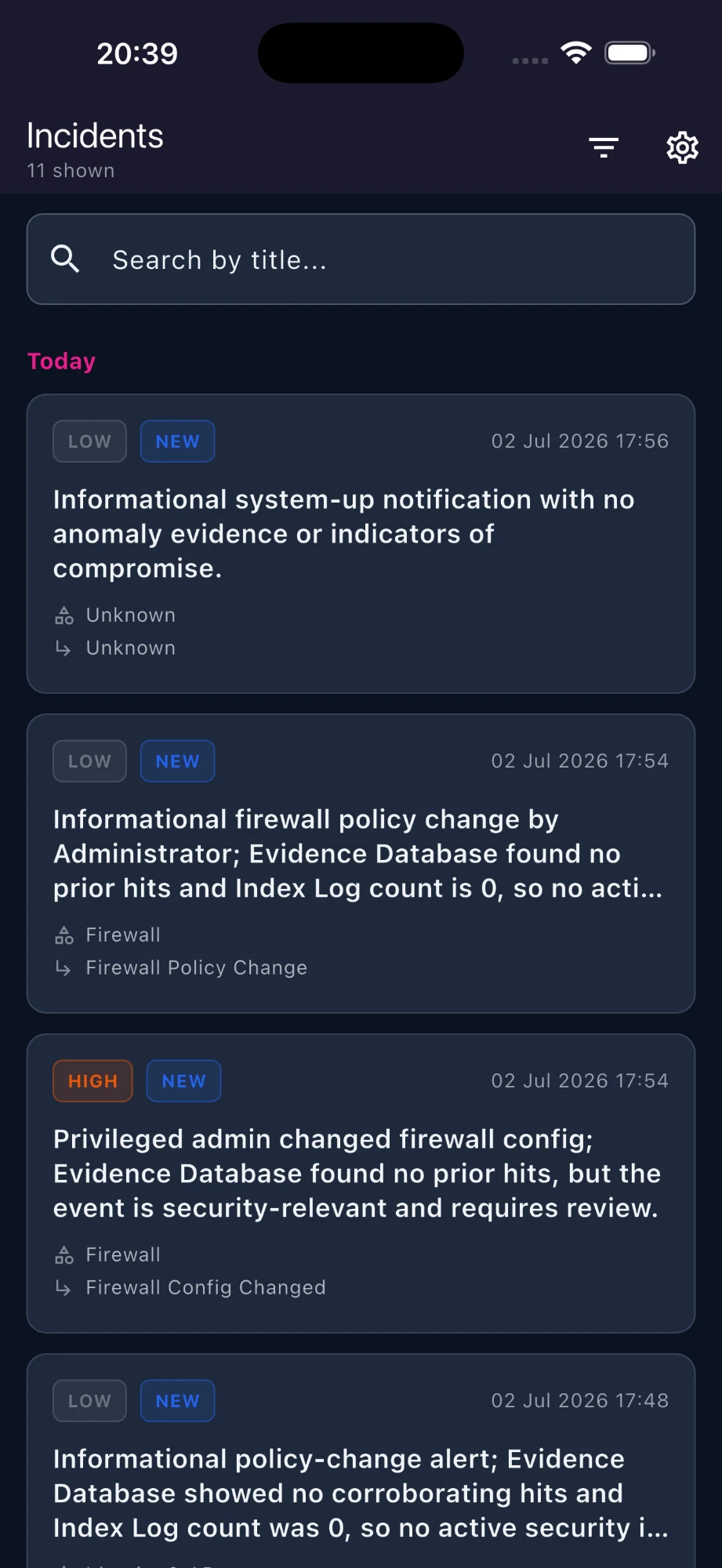
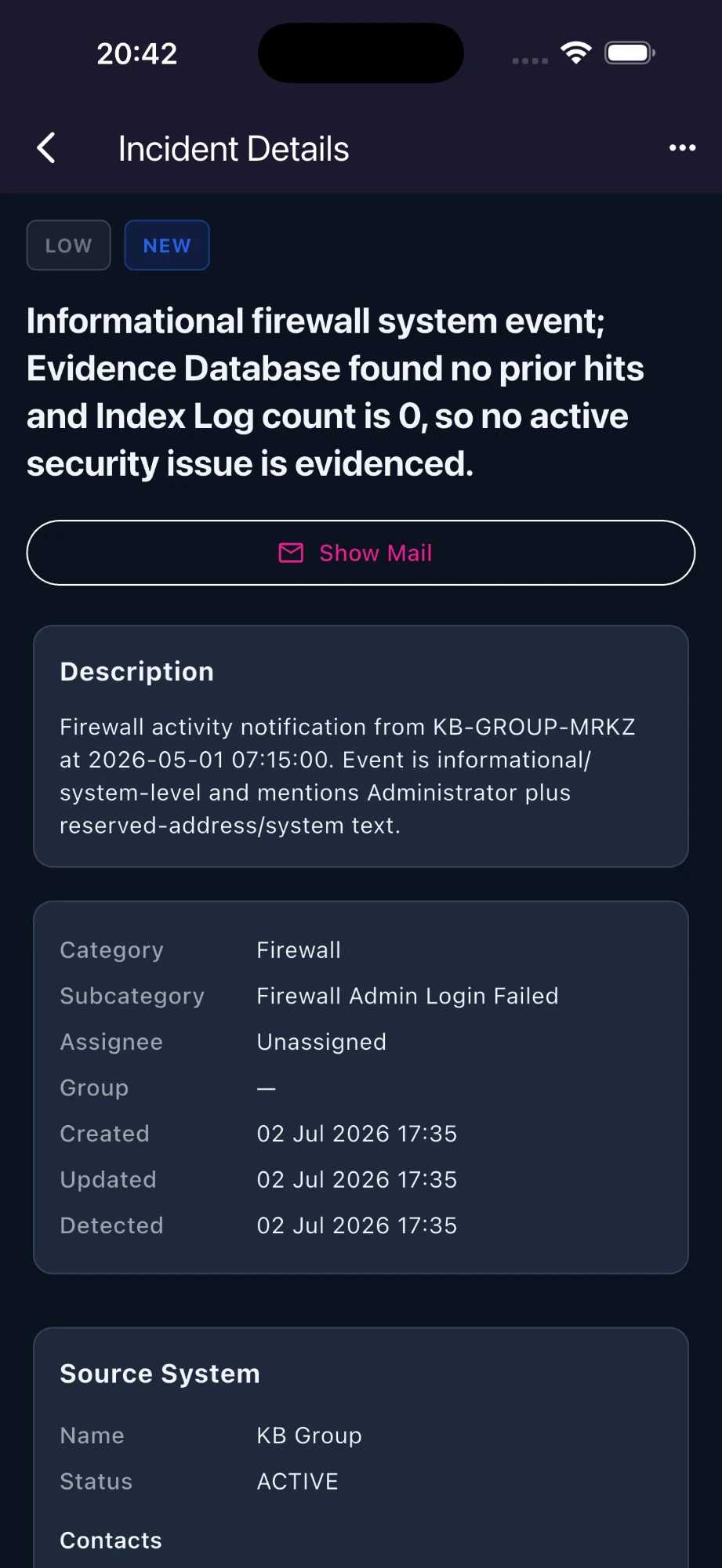
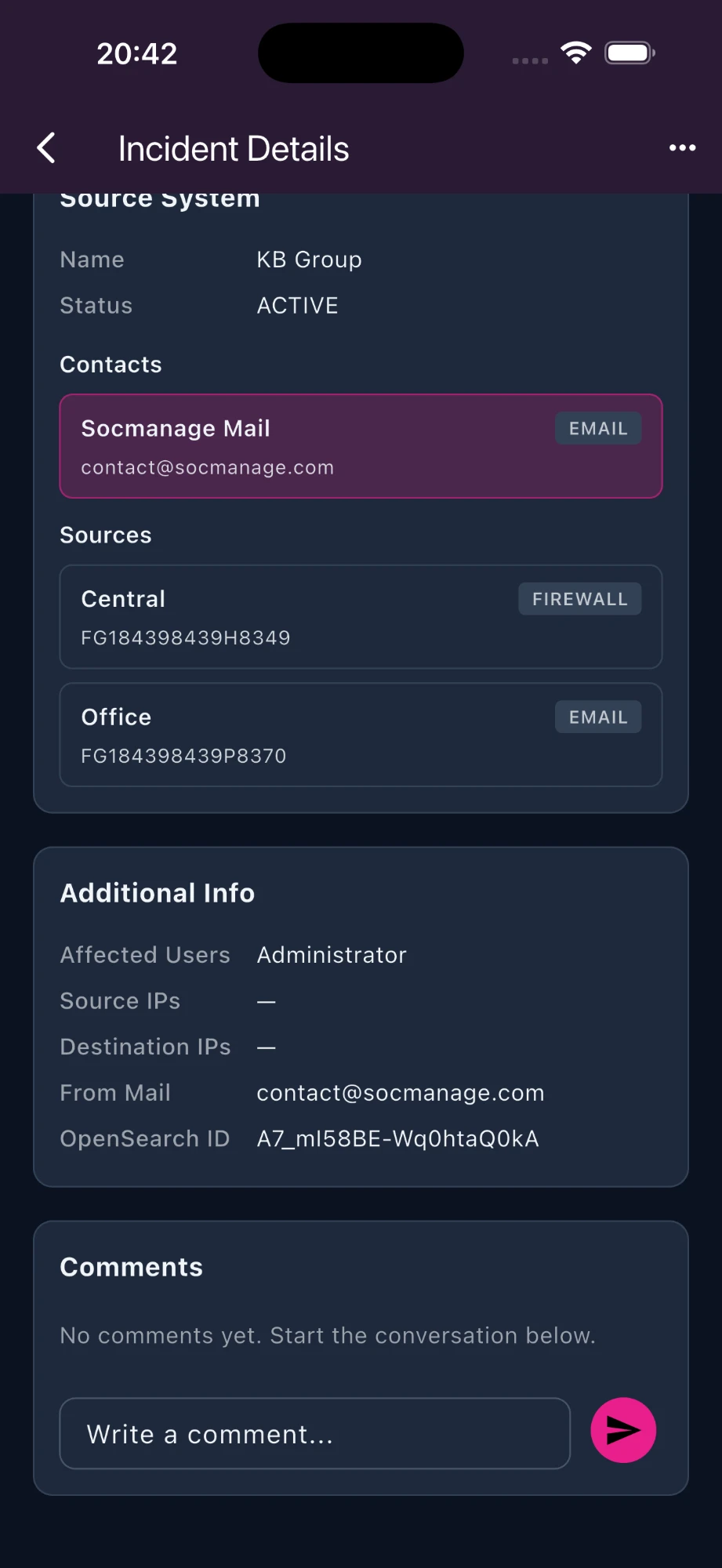
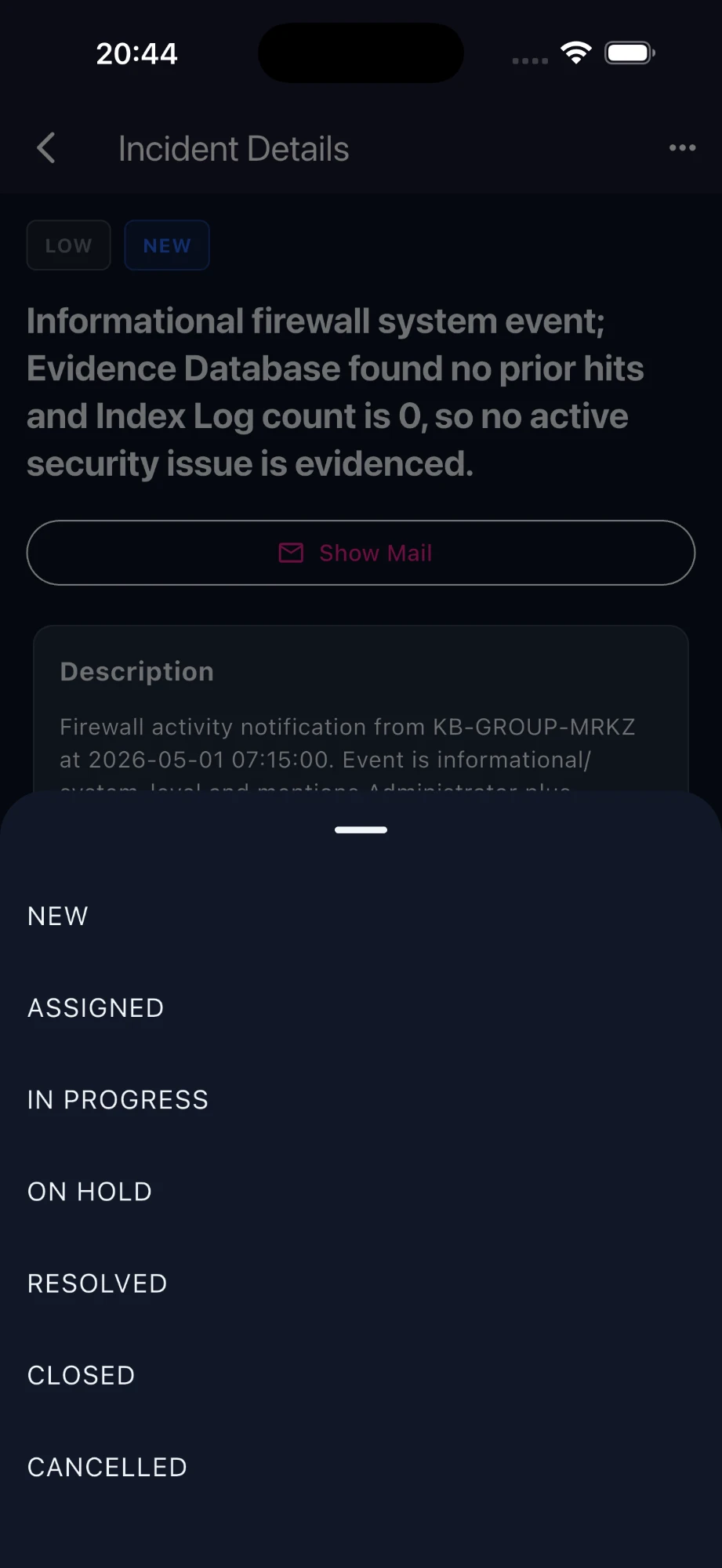
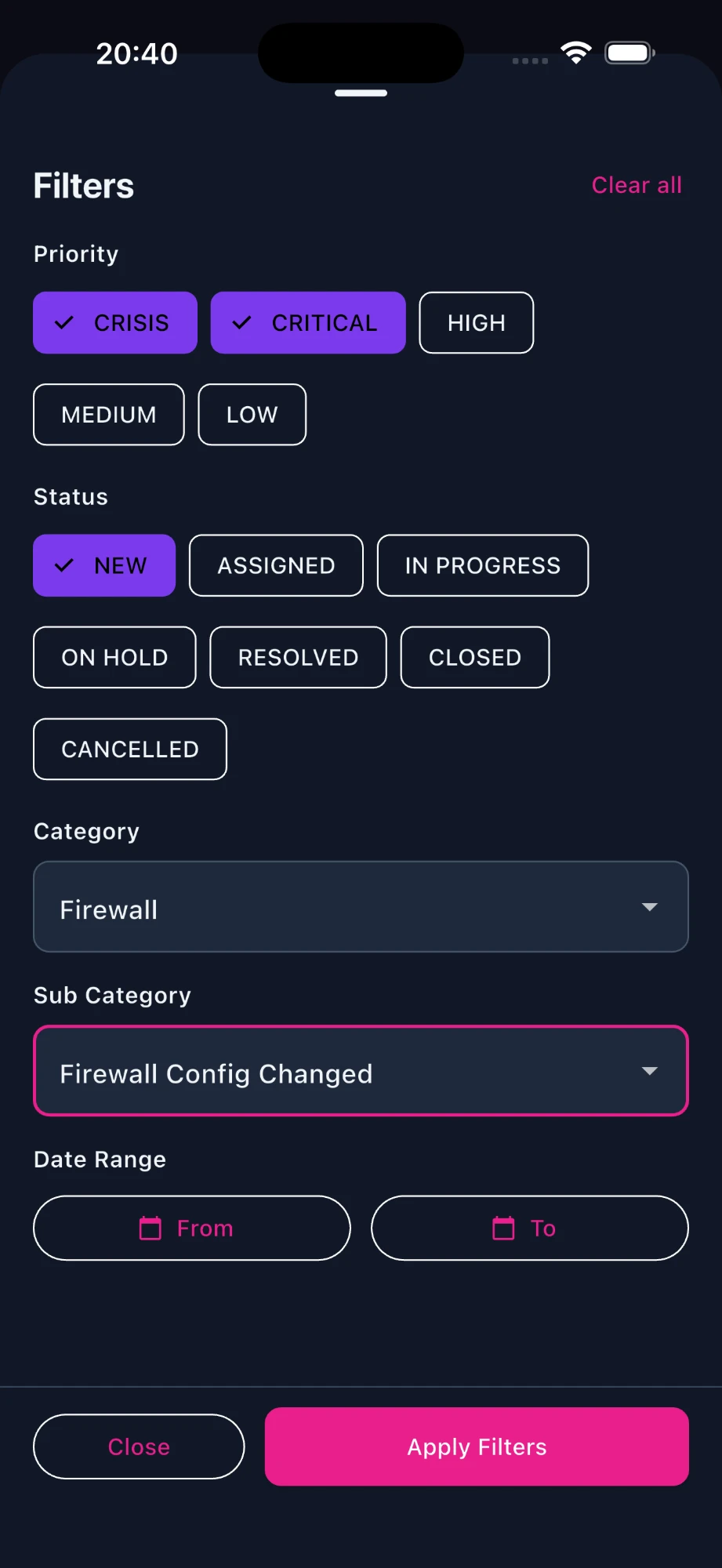
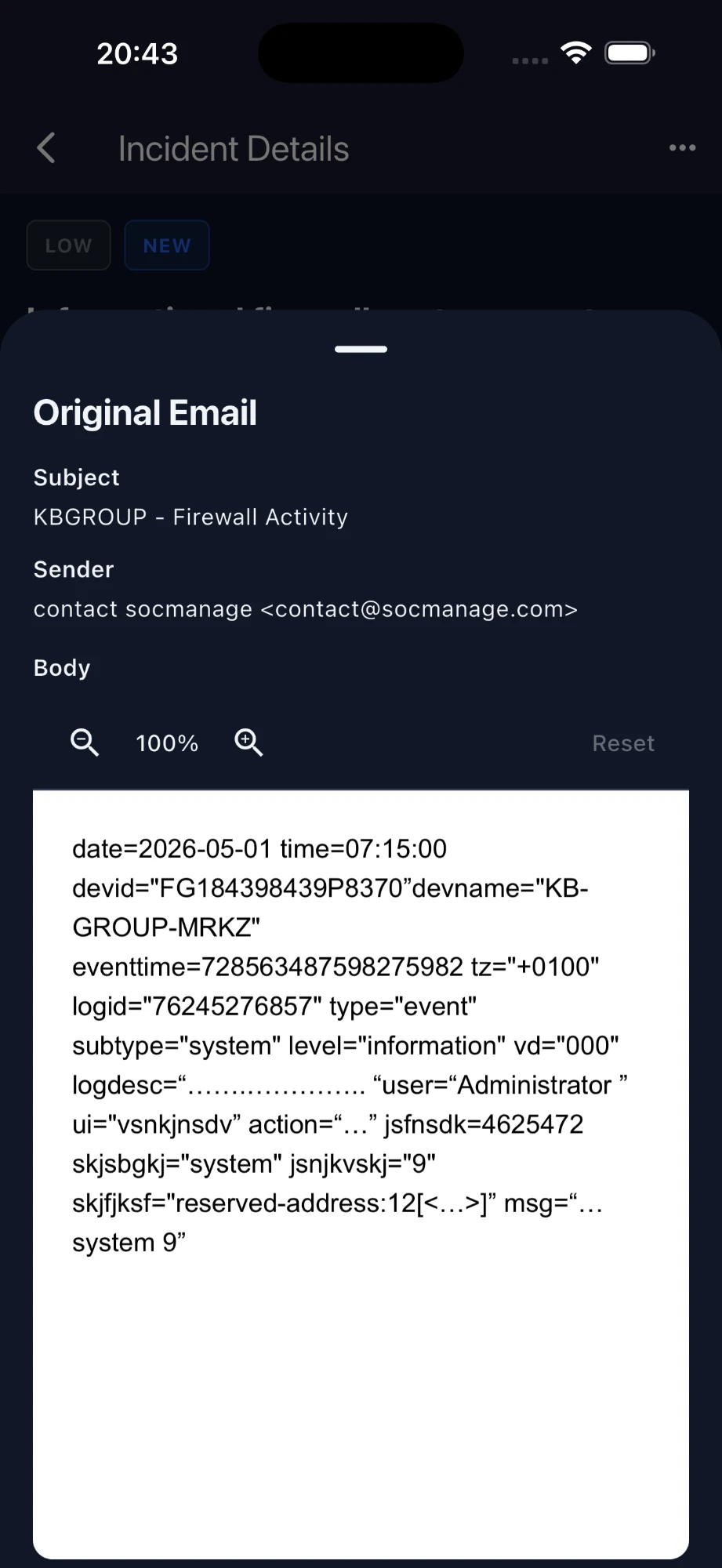
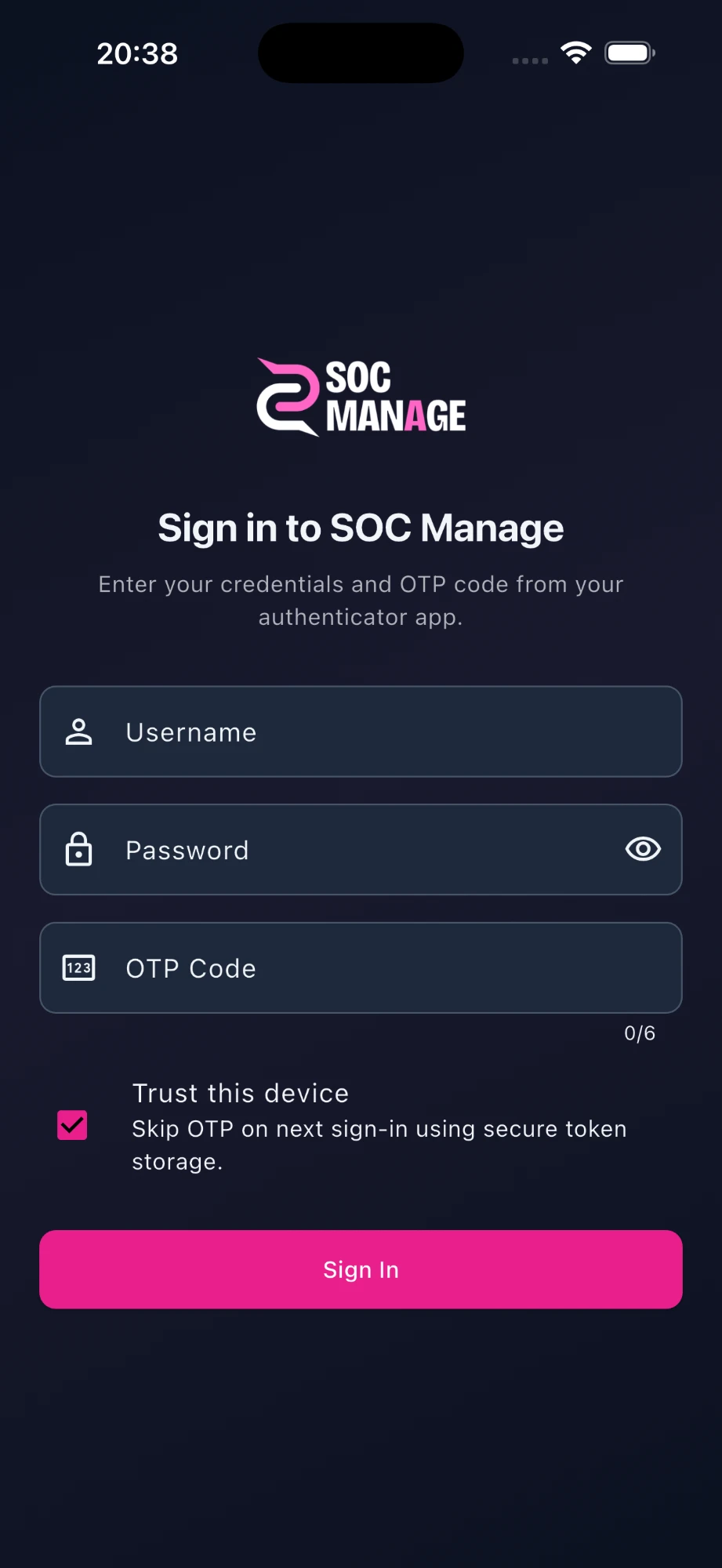
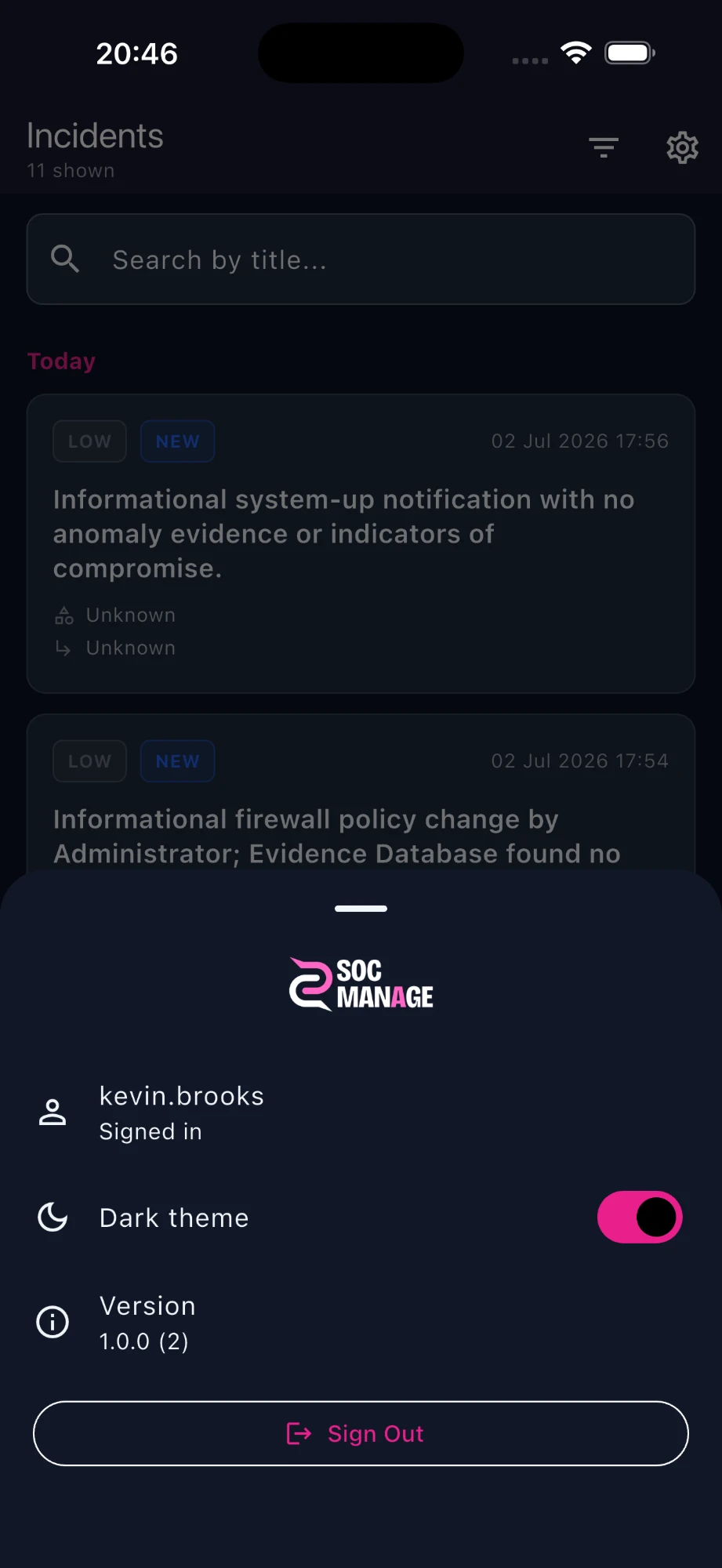
Incident list with priority and status
Operational insights
SOCManage goes beyond dashboards. An AI-assisted analysis and reporting layer turns monitoring and incident data into findings your team can act on.
Continuous monitoring helps detect critical alerts earlier and shortens SOC response time.
Hourly and daily trend comparisons make abnormal spikes and dips obvious, so you time action correctly.
Weekday/weekend and day-of-week distributions make shift planning data-led, not guesswork.
Activity windows raise visibility in high-risk hours. Analyst focus lands on the moments that matter.
Source-based volume shows which systems feed an alarm, accelerating root-cause work.
Recipient and category hotspots become visible, so you can adjust alarm routing and cut wasted effort.
What we provide
SOCManage runs on top of your existing systems. It adds alarm management, correlation and anomaly analysis specific to your organisation without replacing any of your tools.
Collects alarm email from SIEM, firewall, EDR/XDR and backup sources into one central stream.
Evaluates time, source, user, content, frequency and behaviour together to chain related events; interprets repeats and anomaly thresholds to cut false positives and prioritise real risk.
Delivers strong decision support without agents, without touching endpoints to "fix" alerts, and without replacing your existing tools.
Security by design
Alarm blindness is mostly systemic, not a people problem. SOCManage separates real risk from noise at high volume so your teams decide faster and more accurately.
How it works
SOCManage breaks alarm management into three steps, each with concrete gains for day-to-day operations.
Alarm notifications from SIEM, EDR/XDR, firewall and backup are brought together in one email-driven stream without disrupting how you already integrate.
Heavy agent rollouts or invasive SIEM topology changes stay minimal. Your workflows stay intact while you go live faster.
Alerts from every source are timestamped and searchable in one place, so the inbox stays manageable and fewer notifications are missed.
Subject, body and attachments are handled consistently. PDF or text attachments stay reachable from one operational view.
Raw alarm traffic is processed in a controlled pipeline, often without mandatory export to third-party clouds.
At shift start the team answers "what arrived today, where is the load?" from one screen. Source distribution is obvious.
Timeline, entity, user and related signals are evaluated together to build contextual correlation, separating noise from likely real risk.
Alerts pointing to the same root cause chain together. Low-value alarm floods read as one incident story.
Behavioural anomaly and trend reads highlight deviations from normal. Capacity and priority discussions become evidence-based.
Likely false positives can be flagged; analyst notes and closure codes carry context into the next review.
Correlation and insight can be enriched with scenarios that match your organisation. Operational language becomes a shared summary layer.
Decision-makers get a short summary with supporting indicators. Deep technical detail stays one click away when needed.
Criticality, blast radius and business continuity risk shape the queue. The SOC picks what to handle first with clear, consistent criteria.
Critical and high-priority alerts rise to the top, aligned with your SLA and incident response playbooks.
Time-based load and source splits make team pressure visible. Shift, escalation and capacity planning become measurable.
No auto-delete or auto-remediation. Action and approval stay with your SOC. The platform only supports decisions.
Executive summaries and report outputs let you share daily or weekly performance with stakeholders in a common language.
Alarm management stops being "inbox hygiene" and becomes an auditable, continuously improving security operation.
Resources
Quick, practical reads on our security approach, fit assessment and decision-support model.
Executive summary of our passive architecture, data isolation and compliance-focused model.
Fast fit criteria for enterprise SOC and MSSP teams.
A short story of how the product grew from real SOC needs.
FAQ
Common questions about the platform, rollout, AI approach and data handling.
No. It does not replace your SIEM. It adds a complementary decision-support layer for alarm management.
No. Your infrastructure stays in place and the platform integrates passively.
No. Decision and action authority remain fully with your SOC.
No. Analysis stays inside the platform and is not shared with third parties.
Contact
Without changing your SIEM or security stack, we walk you through email-driven alarm ingestion and correlation using scenarios from your own environment.
Response time: within 24 hours. Demo: real-data evaluation. Process: KVKK/GDPR-aware
Head Office (ME): Podgorica, Business Tower Montenegro, Bulevar knjaza Danila Petrovica 13/32, 81101 Podgorica, Montenegro
TR Office: Adnan Kahveci Mh, Avrupa Cd. No:108/96, 34528 Beylikduzu/Istanbul
Turn alarm noise into measurable security insight without changing your stack, and raise operational efficiency.
